One photo. One line.
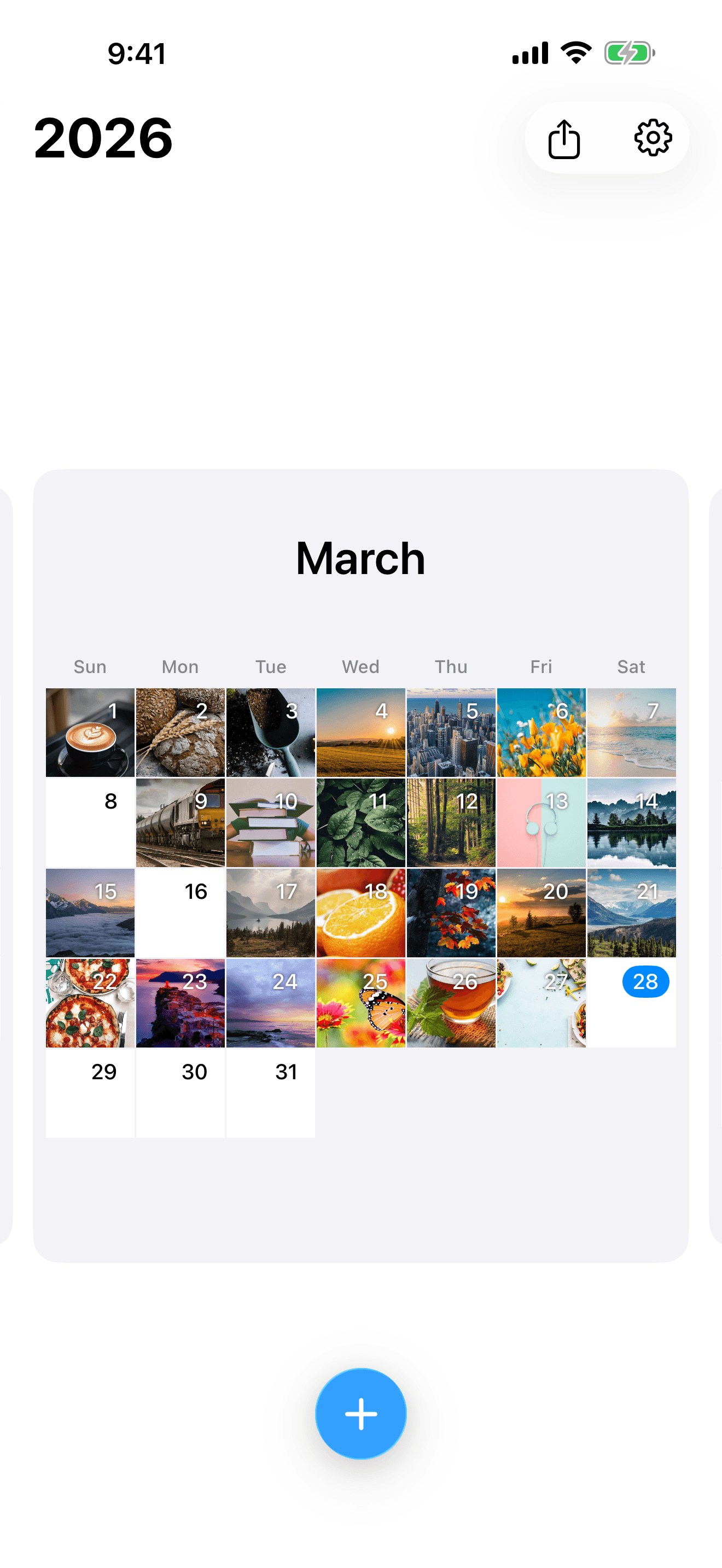
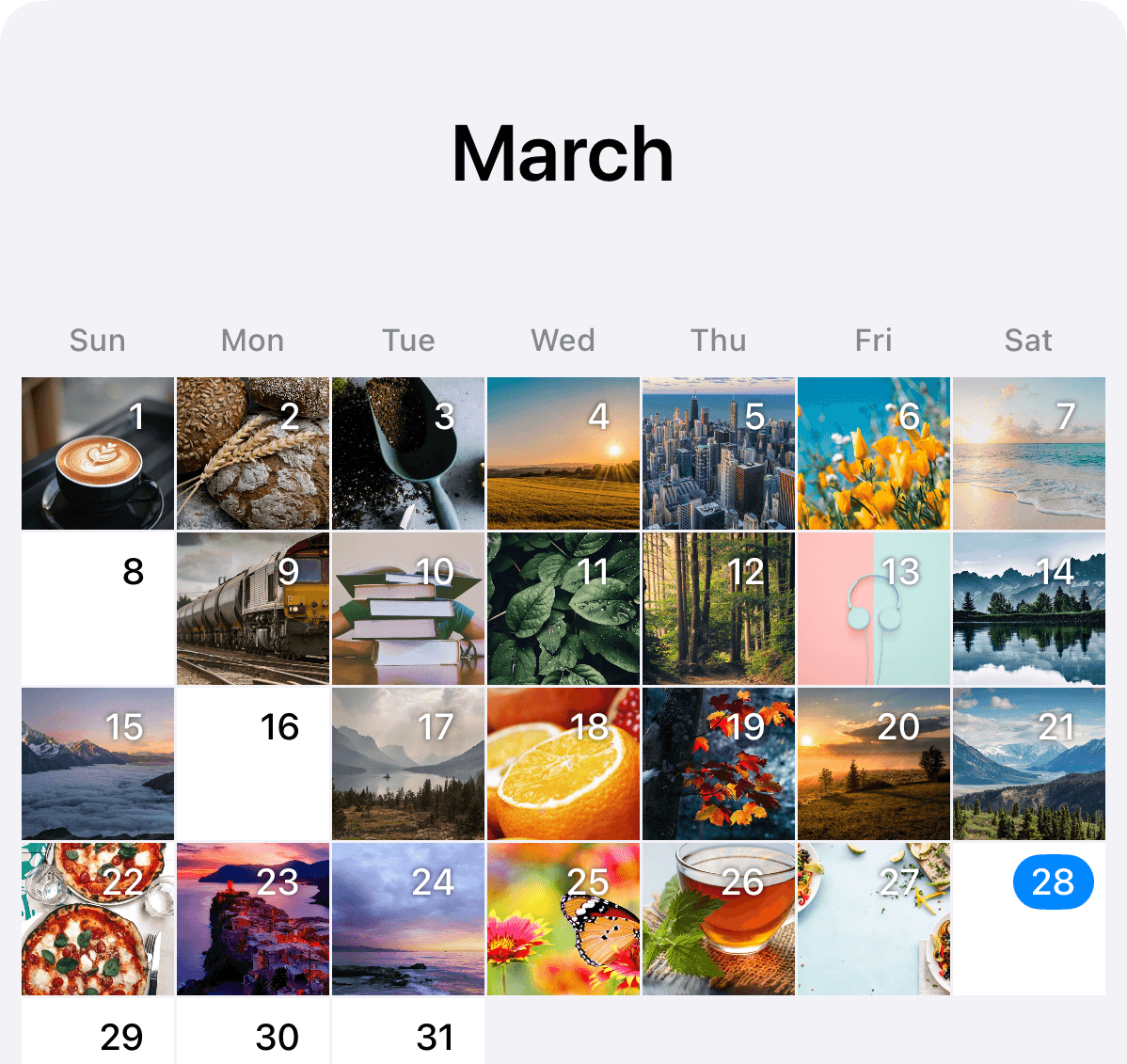
Keep each day with one photo and one line. The month fills up on a calendar.

Free on the App Store
How it works
Two steps.
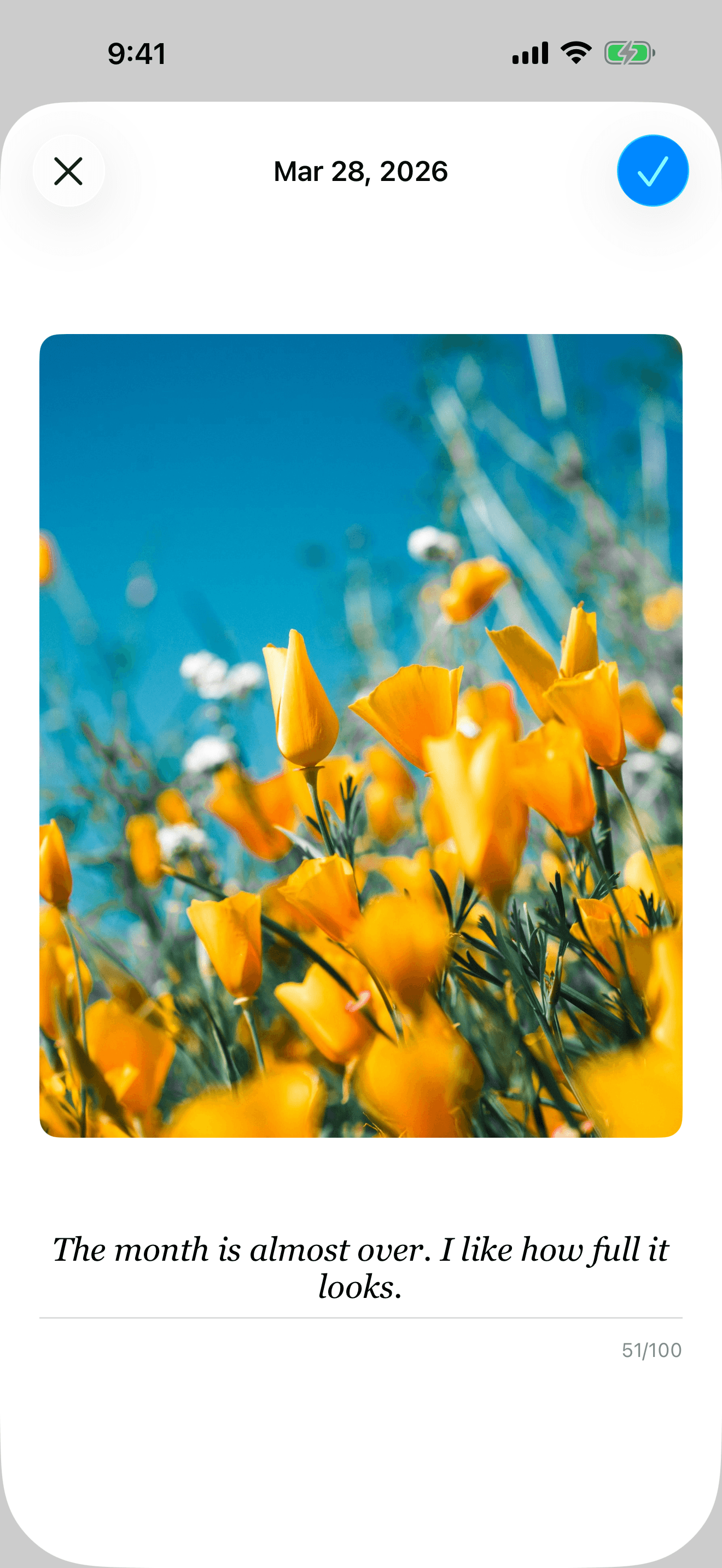
Pick today's photo.
In New Memory, take one with the camera or choose one from your library.
Write a line.
A sentence, a word, or an emoji is enough.
That's it.
Today's photo appears on your calendar.
A month you'll want to look back on
No streaks, feeds, or followers. Nothing to keep up with.
Small things that keep it easy
Missed a day? Add it later. Choose the date when you add a memory.
Daily Reminder. A reminder at the time you choose, if you want one.
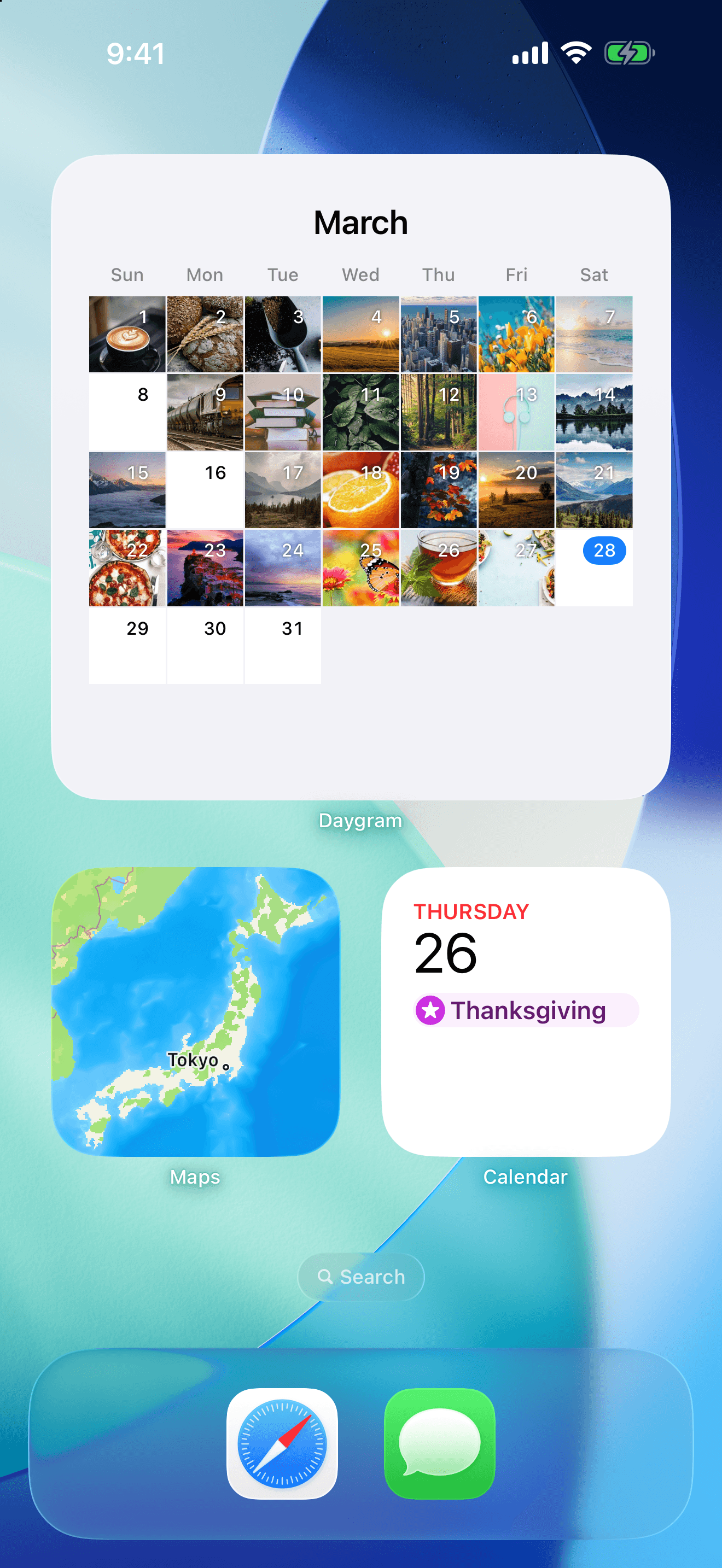
Widgets. Put this month's calendar on your Home Screen.
Share a month. Share the calendar you're viewing as an image.
Yours, on your iPhone
Your memories are stored on your iPhone, not on Daygram servers.
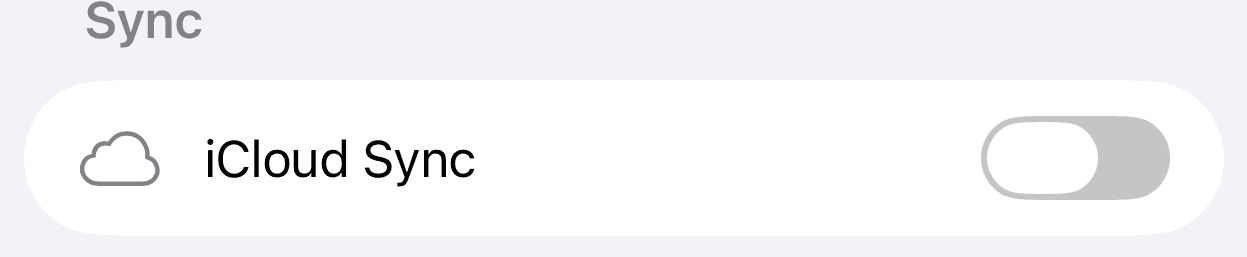
Want them on your other devices too? Turn on iCloud Sync in Settings. It stays off until you turn it on.
If you enable Apple device backups, your Daygram data can be included there.

Start with today's photo.
Free on the App Store. For iPhone, in English, Japanese and Korean.